

00:00Capture
Record a tab, an area or your whole screen, with camera and mic
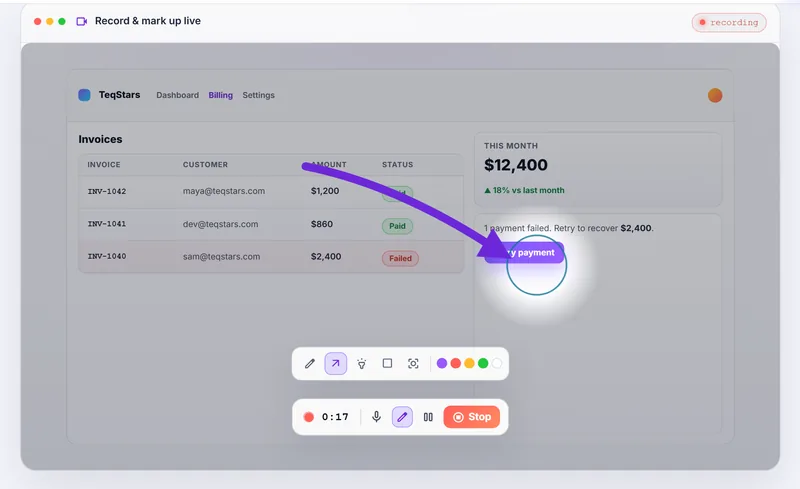
Choose what to capture from the toolbar: a screenshot of a region or a full page, or a recording of a tab, an area, or the screen with your camera. Draw on the screen while you record, and pause when you need to.
- A draggable camera bubble with on-device background blur in clean, glow or soft styles
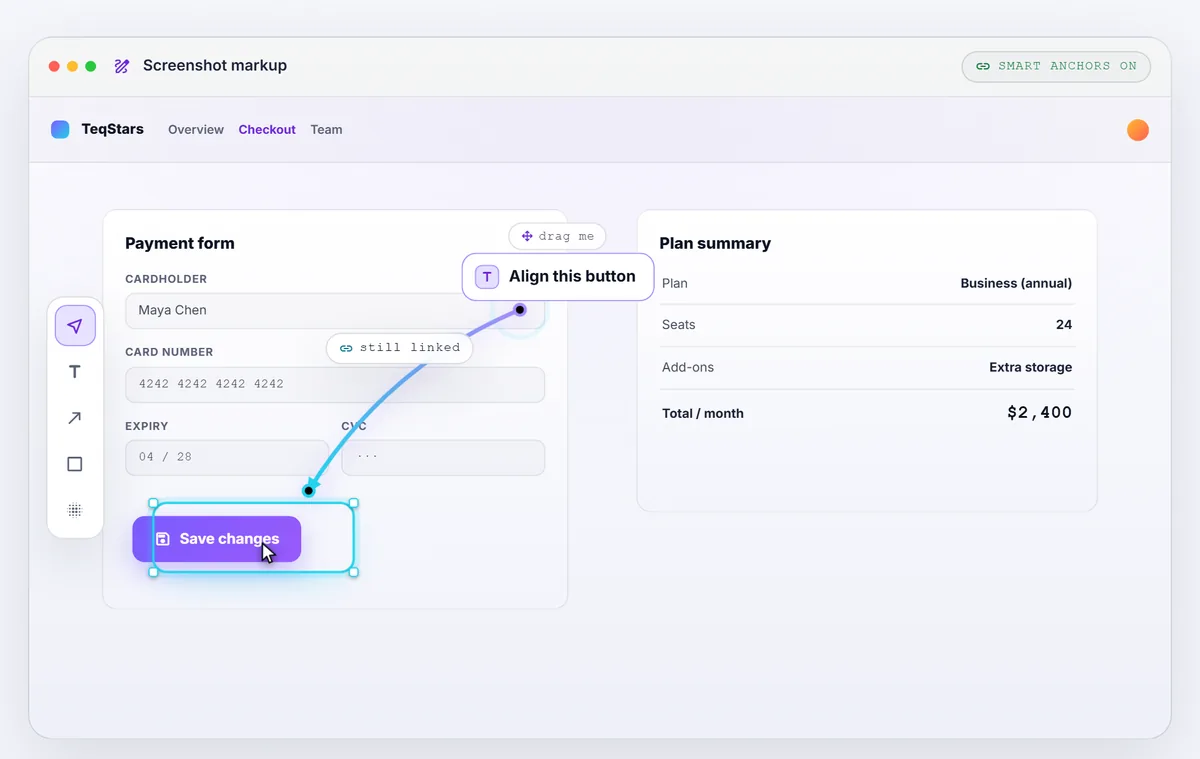
- Draw live while recording: pen, arrow, spotlight and shapes
- MP4 on Chrome 130 and up, and looping GIFs rendered on your device

 Free
FreeScreenshot
RegionFull page
Record
TabAreaScreen
Camera bubble
Microphone
Auto-zoom on clicks
Redact on device
Animated demo with sample data
 Notion
 Confluence
 Jira
Jira GitHub
 Linear
 Slack
Slack
Jess This is where the retry call returns 500.
👍 2