Your chatter opens at the width you chose, on every screen
Flexible Chatter Pro saves the chatter width you drag for each Odoo screen, in each browser. Sales orders, invoices and products can all keep different sizes. Expand the panel up to 1200px, or hide it with one click, and it comes back the way you left it.
- Odoo 18.0 – 20.0
- Community & Enterprise
- Odoo.sh · On-premise
-
Not for
Odoo Online
Top seller on the Odoo Apps Store
- sales on the Odoo Apps Store
- 3,000+
- apps published
- 100+
- countries running them
- 100+
Resizing the Odoo chatter before and after Flexible Chatter Pro
Without the connector by hand
-
Live with the standard chatter width on every form you open.
-
Drag the panel again each time you come back to a record.
-
Give sales orders, invoices and products the same cramped panel.
-
Let one shared office browser decide how the chatter looks.
-
Squeeze the invoice preview panel into whatever space is left.
With the connector automatic
-
Drag the chatter narrower or wider, up to 1200px.
-
The saved width is restored the next time that form opens.
-
Each screen keeps its own chatter size, stored independently.
-
Each browser and each user keeps a separate configuration.
-
The preview panel resizes, hides and is remembered per model.
Flexible Chatter Pro - Personalized Size Memory features
Each screen keeps its own chatter size
Give invoices a wide chatter and products a narrow one, and both stay that way. Flexible Chatter Pro stores a size per screen, so sales orders, customers and products are remembered on their own. You drag the panel once on each form you care about. Open that kind of record again and the chatter is already the width you picked.
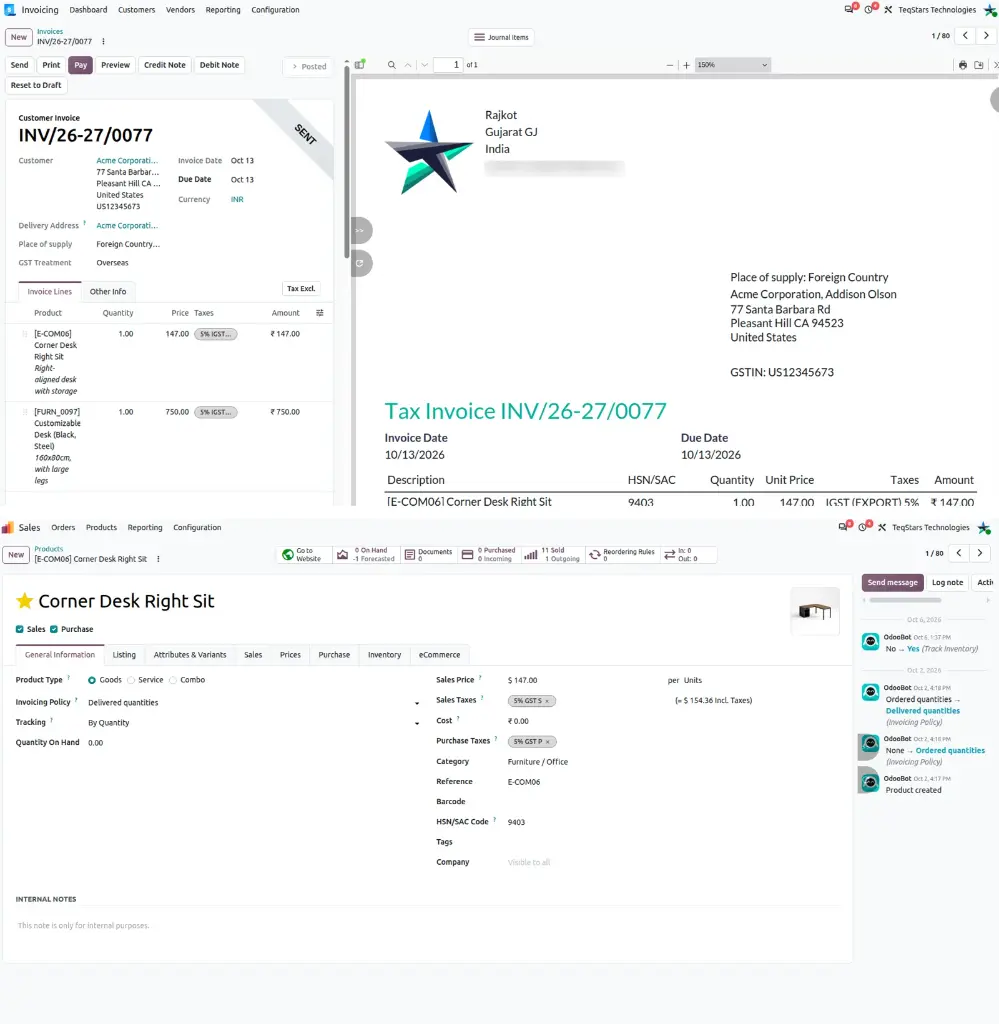
Every browser and device keeps its own layout
Your chatter setup follows the browser you are working in. If your team shares one office desktop, each person's settings stay their own. Work from a home laptop one day and the office machine the next, and each device keeps the configuration you gave it there. Preferences are tied to the user, so changing yours leaves your colleagues' views alone.
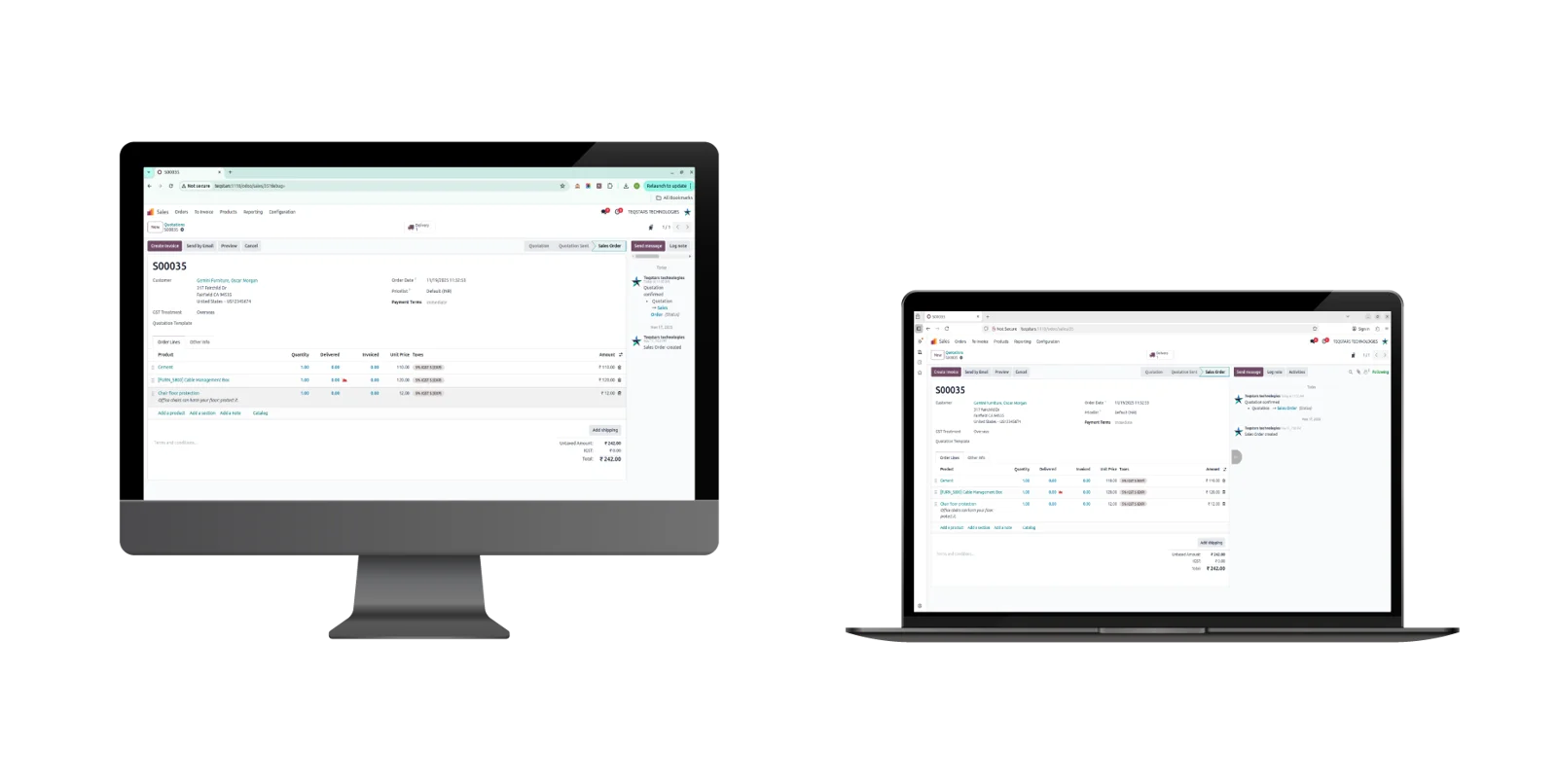
Expand the chatter past Odoo's default width
Read long message threads and check attachments with room to spare. The panel goes wider than the standard Odoo chatter, up to 1200px, and it also goes narrower when the form itself needs the space. Dragging is smooth in both directions. Whichever width you settle on is saved while you resize, so there is no button to press afterward.
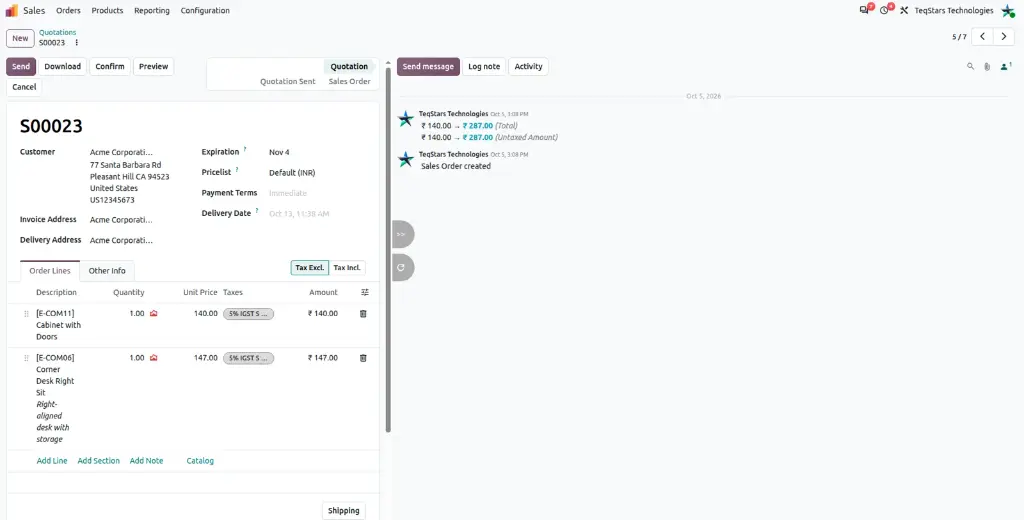
Hide and show the chatter in one click
A single button drops the chatter out of view when you want the full form in front of you, then brings it back when you need the message history. It takes one click each way. That makes it easy to switch between a full-width form and your usual chatter while you work through a batch of records.
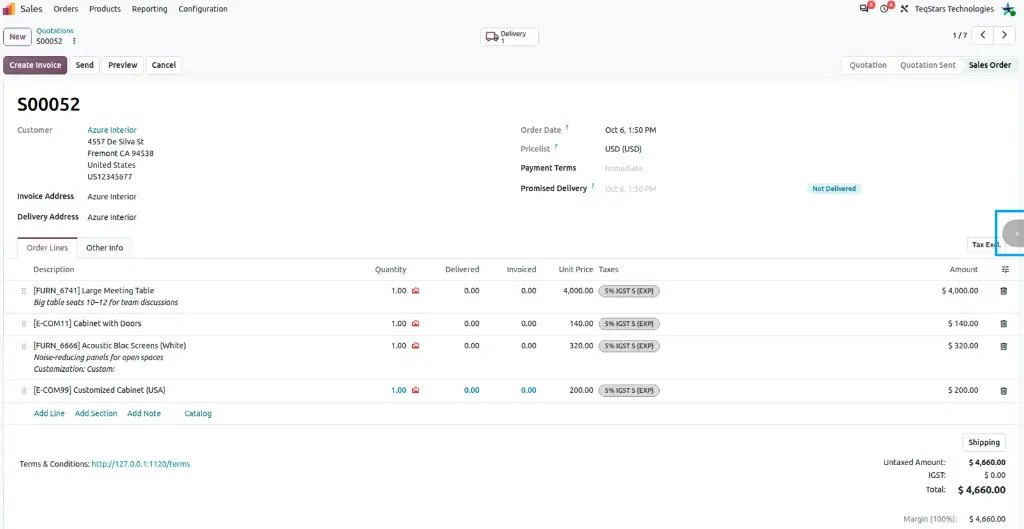
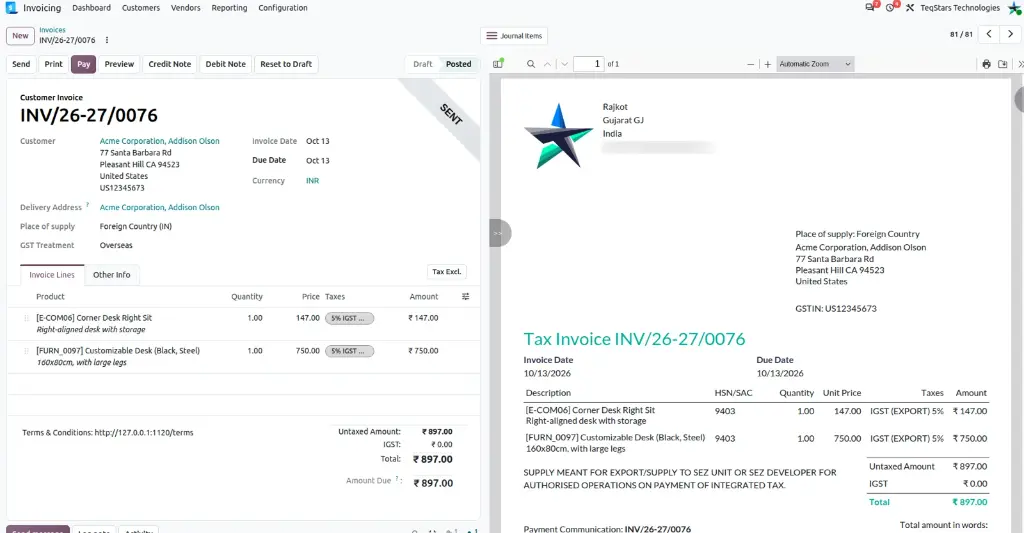
Resize the invoice preview panel too
The same memory covers the invoice preview panel. You can resize it, hide it or expand it, just as you do with the chatter. Your choice is stored per model and per browser, so the preview opens at the size you set for that type of record. Checking a customer invoice looks the same every time you open one.
What buyers say on the Odoo Apps Store
5 out of 5, from4 reviews
Flexible Chatter Pro - Personalized Size Memory is rated 5 out of 5 from 4 reviews on the Odoo Apps Store, the latest in .
Read the reviews on the Odoo Apps StoreWorks well, great and fast support.
App is perfect and Very easy to use.
Great module
Flexible Chatter Pro is one of those small improvements that makes a huge difference in daily Odoo use. I love that it remembers my preferred chatter size automatically, so I don’t have to keep resizing it on every screen. It works smoothly, requires no setup, and instantly makes the interface feel more personal and efficient.
Highly recommended for anyone who works in Odoo every day and values a clean, flexible workspace!
Nice addon
Very nice small addon, which can help with daily work. We really appreciate suport from Flexible Chatter Pro developer team. They were able to quickly solve issues and add improvements, like resizing invoice preview.
Supported Odoo versions
Support for Flexible Chatter Pro - Personalized Size Memory
The developers who build the app answer your tickets.
- Free app support from purchase
- 60 days
- First response in working hours, typical
- 4–6 hours
- Support hours, 10:00–18:00 IST
- Mon–Fri
How to set up Flexible Chatter Pro in Odoo
-
Step 1
Install the app
Add Flexible Chatter Pro to your Odoo 18.0, 19.0 or 20.0 database from the Apps list. Nothing needs configuring afterward, so resizing and size memory are available on your forms straight away.
-
Step 2
Drag the chatter to your size
Open a record that has a chatter, grab the edge of the panel and pull it in or out. Every form type holds its own size, so do this on the screens your team uses most.
-
Step 3
Keep or stop the saving
Saving happens while you resize. In your user settings, switch "Save Browser Preference" on or off, depending on whether this browser should remember your chatter layouts.
-
Step 4
Hide the panel when you need room
Use the show and hide button to take the chatter off a crowded form, then click it again to bring the message history back into view.
Questions before you buy
Not answered here? Talk to the team.